Translation Environment tools (aka Translation Memory or Computer Aided Translation tool)
Over the last few newsletters, we have explored why we at Lingo24 marvel at the beauty of the eXpandable Mark-up Language XML and the one of its applications, the Xml Localisation Interchange File Format XLIFF. We mentioned that we use XML's versatility to create custom solutions for our high volume customers and that XLIFF is our choice for all translation related tasks. When we create those solutions, however, XML based work-flows are only one ingredient...
Recollecting Feline Environment
You may have never heard before of the term "Translation Environment tool". It is a fairly new term, coined as the result of frustration over other names. In the past, the tools we are talking about have been called "Translation Memory" software and "Computer Aided Translation" tools (CAT). But while the first name only paid tribute to one of the many functions in the package, the second one seems a bit bulky and makes it sound like the tool is doing all the work. As we will see, the term "Translation Environment tool" is spot on.
What it does
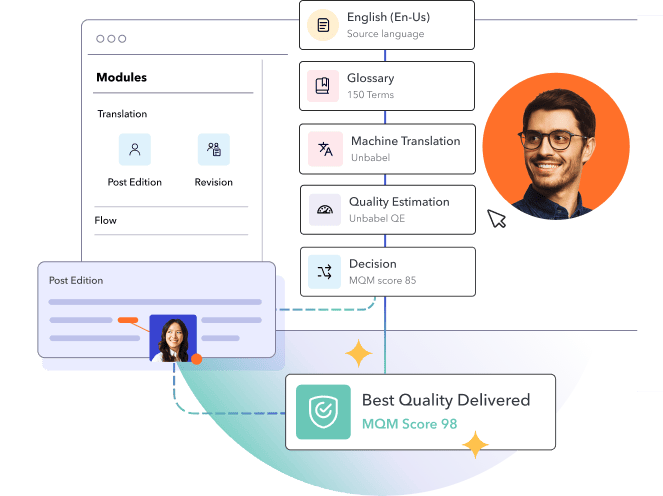
A good Translation Environment tool supports every role and stage in the translation process. Typically there are seven stages:
- file preparation
- content segmentation and indexing
- database retrieval and translation
- editing
- quality assurance
- database update
- generation of the translated file.
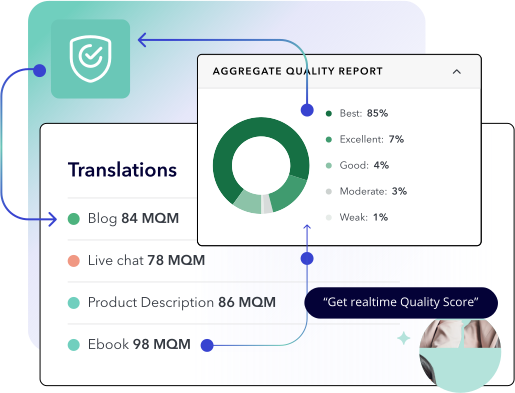
During the file preparation process, the tool will filter translatable content and separate it from the formatting information of a document. The content is then segmented (for example into sentences) and indexed to be stored in a kind of database format. During the translation process, the text will be retrieved segment by segment and sent to a translation interface where each segment is presented to the translator. The translator translates and the translation is stored side-by-side with the source segment as a so-called Translation Unit. The translator can use the interface to store comments for the editor, just in case any issues arise. The extraordinary strength of the tool becomes apparent during the quality assurance step: the tools can check that all numbers have been correctly transferred into the target language and also that the inline formats (like single words in bold or italics) have been applied to the target. Some tools even check that links have been transferred into the target text. In the final step, the translated target document is generated. This document's formatting will be identical to the source document.
The "Memory" and "Repetition"
In this impressive workflow, there is at least one "detail" that is worth our attention: since the tool indexes every segment together with a translation in a Translation Unit, it can scan this index in order to find sentences (or segments) that re-appear within a document. If the tool detects such a "duplicate" or "repetition", it will highlight the second appearance and suggest the translation that was entered the first time. This not only saves time in repetitive texts, but also insures that the translator produces a consistent translation.
The "Memory" and "Matches"
Let's look beyond the current document that needs translation and think about your next document. Obviously we can store the index of Translation Units and build up a translation "memory". When you have a new document to translate, this memory can be used to achieve leverage in the new translation. The Translation Environment tool will be set up to apply the Translation Memory to the new project. It will then search the new segmented source text in order to find segments that have been translated previously. If it finds such an occurrence, we talk about a "translation memory match", which will then be presented to the translator. To find and use such matches will further improve consistency and speed across all your translations.
Fuzzy Matches
The tools, however, offer more still. They don't only find 100% matches in the Translation Memory; they also flag "fuzzy matches". Let us quickly explore what a "fuzzy match" is. Imagine a client who writes reports about vehicle use in the world. We have translated his 2001 report, and in our Translation Memory we stored the following segment (and its translation):
"In 2001, 65% of New Zealander city population drove a Japanese import car"
Now, a few years later, the client asks to get his 2007 report translated, which includes the following sentence:
"In 2006, 51% of New Zealander city population drove a European import car"
When we apply the Translation Memory to the new report, the first Translation Unit will be presented as a "fuzzy match" to the translator. The software will even highlight the differences. In many cases it is easy enough to edit the translation of the first sentence to get the translation of the second one. Some tools actually take care of non-translatables, so that in our example the numbers and digits are changed automatically. As with 100% matches, it is the human translator who is going to make the final decision as to whether the match can be used or how it would have to be edited.
Cost Savings
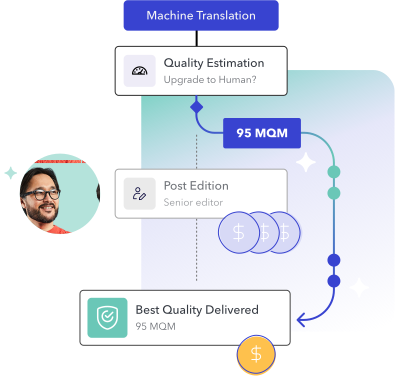
Looking at the theory outlined above, we can clearly see the relation between the number of 100% matches and fuzzy matches and the direct cost of a particular translation. Although in reality a lot depends on the complexity of the project and the linguistic quality of the existing Translation Memory, we can assume that only this technology will lead to cost savings. How much potential there is can be found out beforehand. Translation Environment tools offer an analysis function to check the degree of leverage that can be achieved by using a Translation Memory on a new document.
Combining the best of all worlds
Of course much more can be said about Translation Environment tools, but let us draw a line here and wrap up what we know so far. Obviously using a Translation Environment tool potentially improves the quality and the turn-over time of a project. It also has costing implications. Therefore it will not surprise you to learn that Lingo24 has teamed up with XML_INTL to develop an XML based Translation Environment tool that is second to none. So next time we will tell you how we joined the best of both XML and Translation Environment tools together in our own solution: XTM.